 AnimalTrace
 Rowan’s working file
Start with the right animal.
Keep everyday names, registered names and identifiers together. Check that a document belongs to this animal before using its results.
Animal records, genetics & breeding
The pedigree is in a folder. The DNA report is in an email. AnimalTrace keeps them with the animal, ready for the next pairing, the next vet visit, or the person who needs to see them.
For the people who raise, care for and keep track of animals.
 01 / The animal
Keep the evidence with the animal
A look inside an animal record
A pedigree has arrived. A DNA report hasn’t. Open the file, check what’s there, and work through what happens next.
You can see what’s on file without opening every attachment. Missing records stay on the list, too.
Choose a step to follow the record. Nothing you do here sends or saves data.
Keep the original. When a detail needs checking, the document it came from should be one click away.
Available now
What you can use now, and the plan each one needs.
AI reads DNA reports, pedigrees, clearances, and registration papers. You confirm what it found.
Animal recordsEvery fact keeps its source. Gaps, out-of-date documents, and conflicts are listed.
See how records workCarrier risk for tested conditions, and inbreeding from the pedigree.
Breeding checksShare a chosen part of a record with a buyer, vet, or registry.
Animal PassportThe details that matter
Animal name, sample number, date, source. Small details matter when you’re bringing records together from different people.
Keep everyday names, registered names and identifiers together. Check that a document belongs to this animal before using its results.
Store the original report alongside the information taken from it. You can return to the source when something doesn’t look right.
Record the missing test, the question for the lab, or the pairing that needs another look. Keep the reason with the work.
Choose the records for an Animal Passport. A buyer, vet or registry can see the information you’ve given them permission to see.
For the people behind the animal
You might be planning a litter, checking a submission or looking for a report before an appointment. The record should help with the job in front of you.
Put both animals’ results and pedigrees in front of you. See what supports the pairing and which unanswered questions need attention first.
· Later in the example
Rowan’s DNA report arrives. The original file is attached to her record.
Source retained· Revision received
A revised report arrives from the lab. Both versions stay in the history.
Change recorded· Next step
Check the pairing again and review the records already shared.
Review neededWhen the record changes
The lab sends a corrected report. You’ve already used the earlier version in a pairing review. AnimalTrace keeps the earlier result beside the correction and marks it for review, so you know to check again.
You can see what changed, where it came from and why you’re checking again.
Trust
Plain commitments, so you know where AnimalTrace stops.
They stay the authority for what they issued. AnimalTrace keeps their records together and shows where each one came from.
AI reads documents and proposes facts. Owner uploads wait for your confirmation.
Health information shows what’s on record and what to ask your vet.
You can ask for an export of your records at any time.
Pricing
$0
Up to 5 animals, 10 pages of AI report reading to get started, your animals’ records, and Home.
$19 / month
Founding rate, $190 a year. Regular price $29 a month.
Up to 100 animals, 50 pages of AI reading a month, breeding checks and planning tools, watches, and Animal Passports.
Pilot
Registries, breed clubs, and breeding programs start with a guided pilot on one workflow.
About AnimalTrace
AnimalTrace is an animal records and decision platform. It brings identity, pedigree, genetic results, and health records together, then helps you use that evidence for breeding, sharing, and follow-up.
Use the species listed when you add an animal. Horses, dogs, and cats are supported, with breeding checks for the conditions set up for each. Ask us about setup for another species.
Yes. Bring existing reports and documents together, with the original source attached. Extracted details are reviewed before they become part of the record. Laboratories can also discuss sending results directly.
It reads the documents you upload and proposes facts for you to confirm. Owner uploads wait for your review. A separately configured organization intake can accept some readings automatically after checks, with that route labelled. AI does not issue official lab results or make registry decisions.
You and the people you give access to. An Animal Passport lets you share selected records with a buyer, vet, registry, or another recipient. Network discovery, which lets eligible signed-in members find your animals, is off unless you turn it on.
No. A check uses the available test results and pedigree, with their limits and missing information. It helps you understand the evidence for a pairing; it cannot guarantee an outcome or replace veterinary advice.
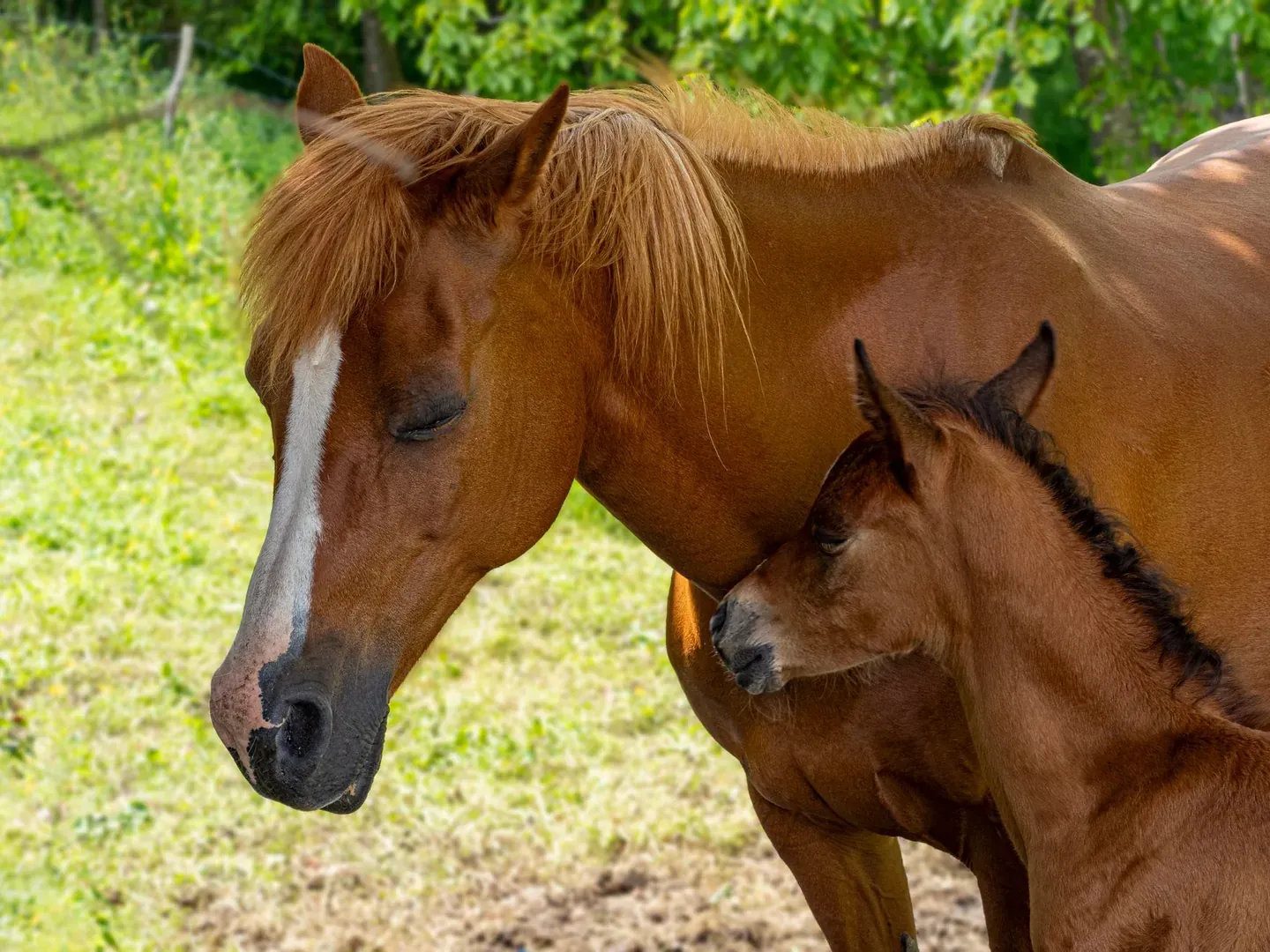
No. Rowan, her pedigree and the documents shown here are fictional. The photographs are illustrative stock images, not customer animals or an AnimalTrace laboratory. The example shows how a record moves through review, planning and sharing.
Let’s talk
What are you keeping track of? What’s taking too much time? Send us a note and we’ll walk through it with you, or start free with up to 5 animals.